How Can We Help?
Adding or Changing Customer Employment
To update an applicant’s employment, click + Add Employment
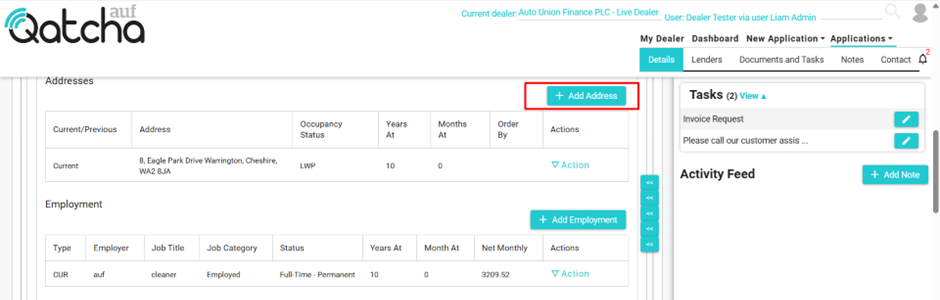
To edit or delete an existing employment, simply click on the actions drop-down menu and select the relevant function.

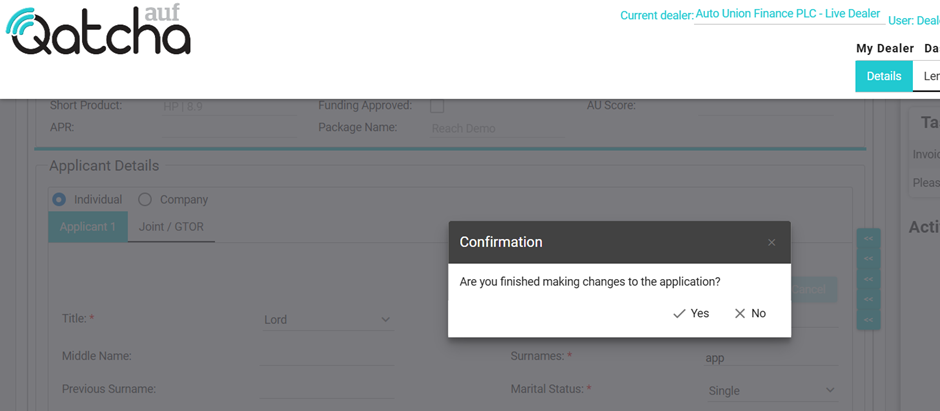
When you click save, a pop-up will appear.
IMPORTANT: If you have finished making all the changes to the application, please click “Yes” If you are required to make further changes, please click No.
Upon clicking yes, the application will be automatically sent to the lender(s).