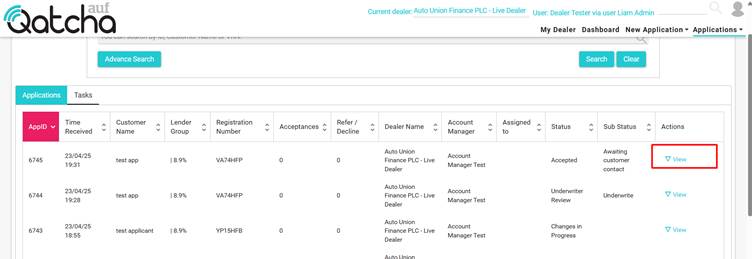
Applications Queue
The applications queue shows all Active proposals which are being processed with AU Finance.
The table lists the key proposal information for you to see at a glance.
To edit or view any application, simply click on the View icon located in the actions column.
TIP: For more information regarding the status and substates being used, please see workflow here
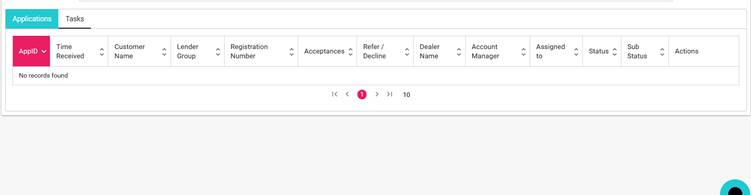
On this screen, you can also view all open tasks across any active proposal. Click on the tasks tab:
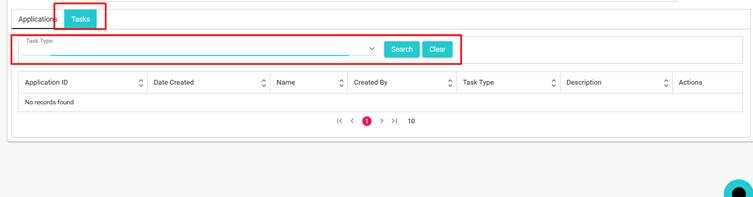
Here you can filter by type, i.e. Invoice Task, and either:
a) Complete the task directly
b) Go to the application.
TIP: For more information on tasks and their types, please see Tasks
Can’t find an application – it might be in a different queue.
Click the links below to learn more about the different queues in the system:
Archive queue
Completed applications
View an application
Once you have located the required application, simply click on “View” to open the application.