Looking for help?
Task Type: Notes
Sometimes, we might more information from you, when we request a note task type we are requesting text to be returned.
Firstly you will see the task name and description on the task area of your AU portal.
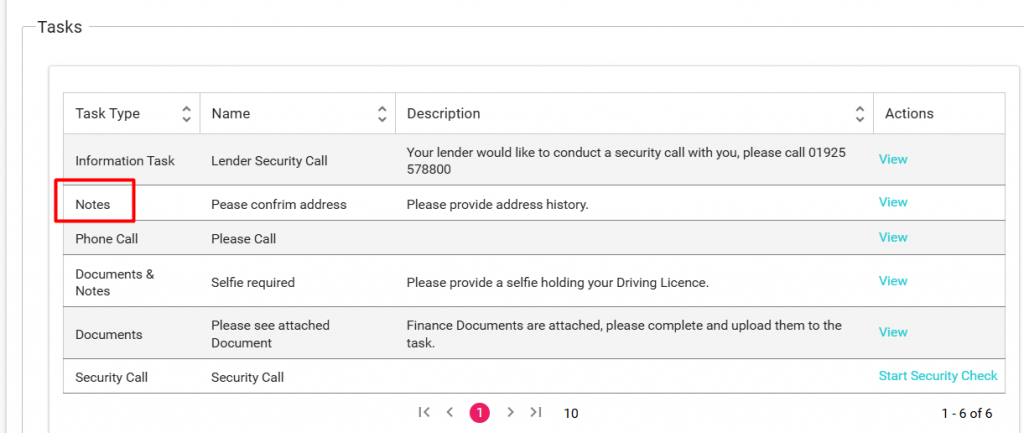
In this example, we are asking for confirmation of address history.
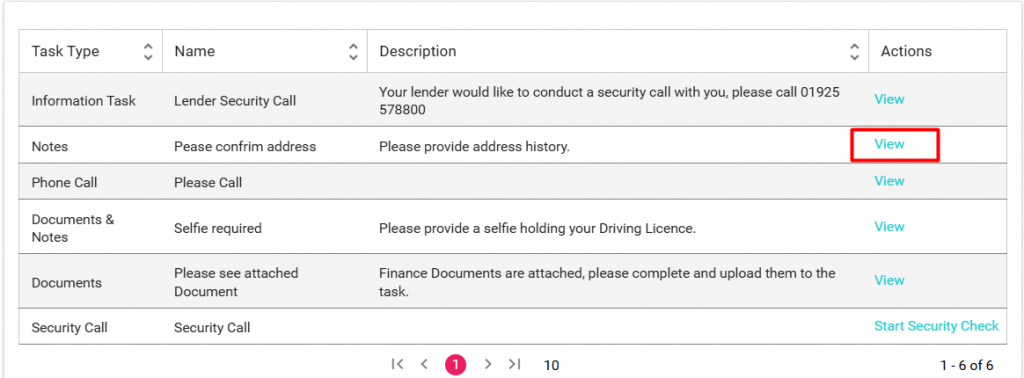
To get started simply click View in the actions column.
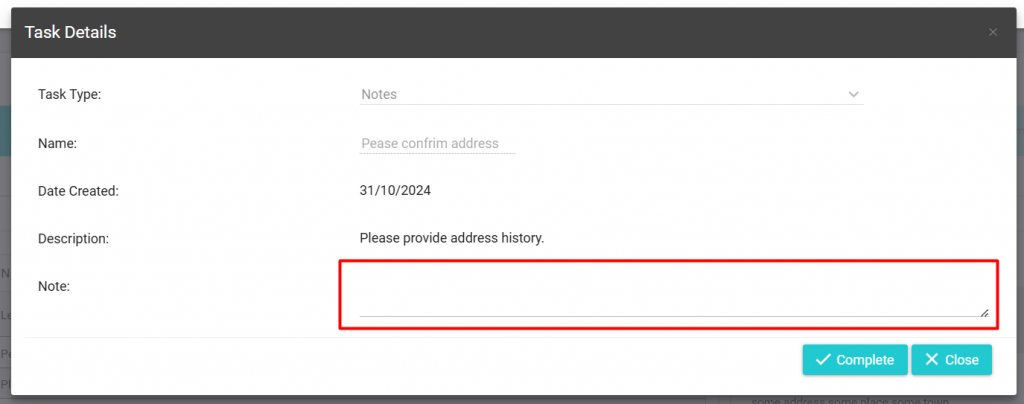
The task will then appear on your screen.
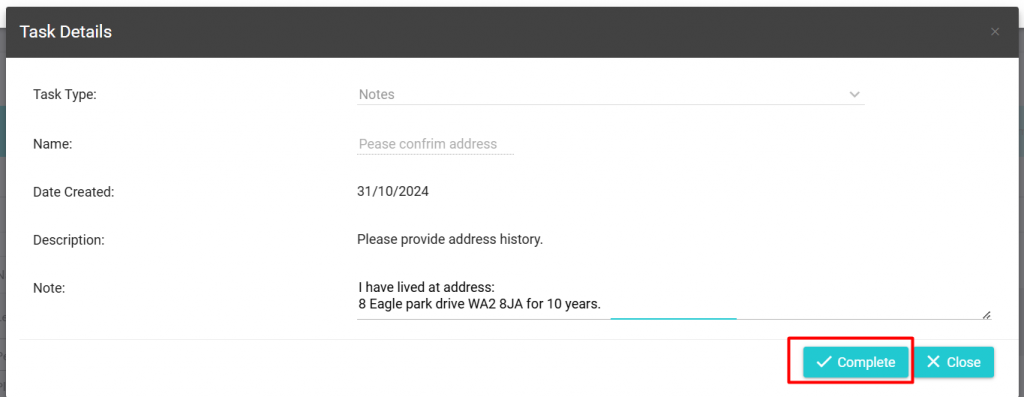
In this task you will note a text area, simply click in this text box to begin providing the information to AU Finance:
Once you have provided the information requested, click on Complete.