How Can We Help?
Activity Panel
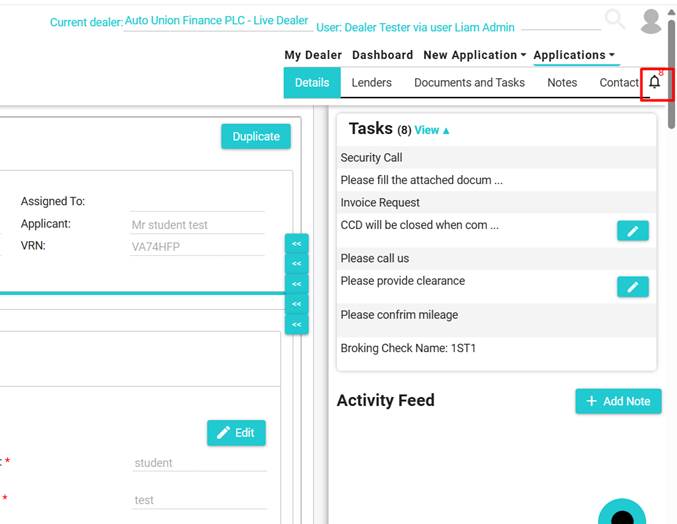
The activity panel can be viewed on all applications. This will show any open tasks and allow you to complete them or add a note from any page in the application.
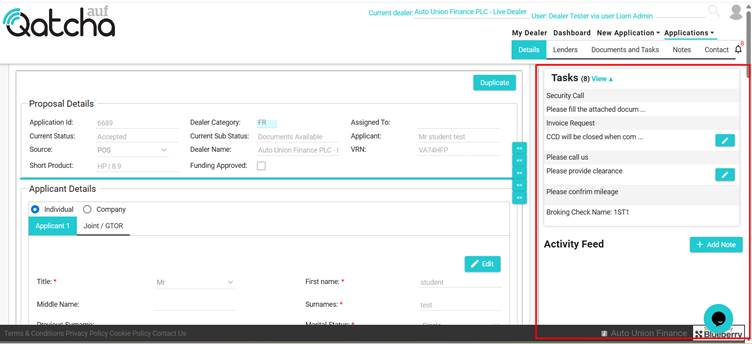
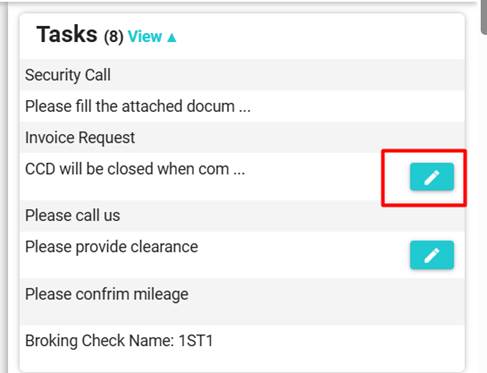
Tasks which are completed will not show the edit pencil.
To edit a task from the Activity feed, click on the pencil icon.
The pop-up will appear.
You can also hide or show the activity panel at any point, this can be done by clicking on the “bell” icon.