
How Can We Help?
Multiple Branches
A dealer user can be assigned to multiple branches.
When a user has access to more than one branch, they can switch at any time by using the dealer selector located in the header:


When adding a new proposal, you can also load proposals to a different branch by selecting from the drop-down.
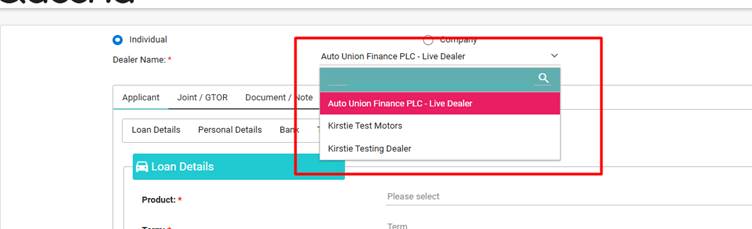
The active branch will always be selected.
Tip: Dashboard information will only show the active branch; simply switch the branch to update the information.