How Can We Help?
Manage my dealership
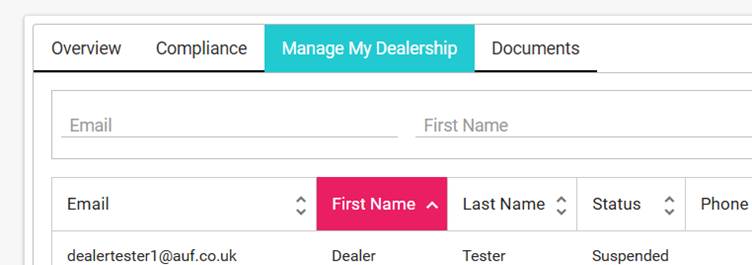
The Manage my dealership section, located in “My Dealer”, contains all the user management.
Here you will be able to:
Add a New User (see Adding users)
Delete a User ( see Delete a user)
Manage a Users Permissions
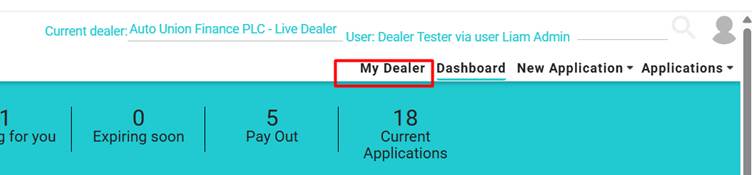
Head to the “My Dealer” tab:
Then click on the “Manage my dealership” tab