
How Can We Help?
Dashboard – Key metrics
The first thing you will see when you log in is the Key Metrics, each metric can be expanded for you to view the data behind this.
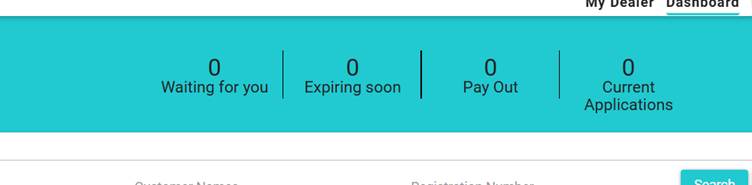
When clicked, each pop-up allows you to see which applications are generating the number.
From the pop-up, you can go directly to the application by selecting “View” from the Actions column.
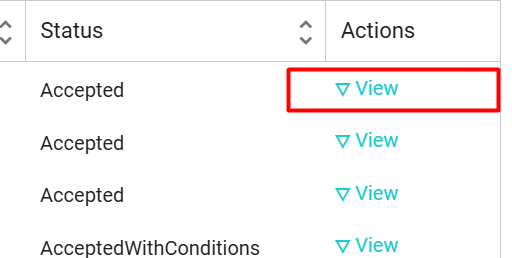
You can also export this list to Excel.
Note: For users with more than one Branch, only the active dealership data will show here. To switch, select the dealer from the drop-down located on the top right, or refer to this article for more information. Multiple Branches