
How Can We Help?
New Assets – Adding VIN & Registration number.
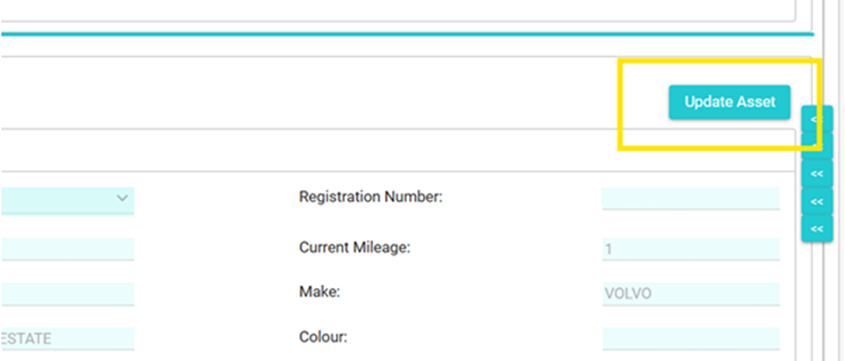
Click on the “Update Asset” button.
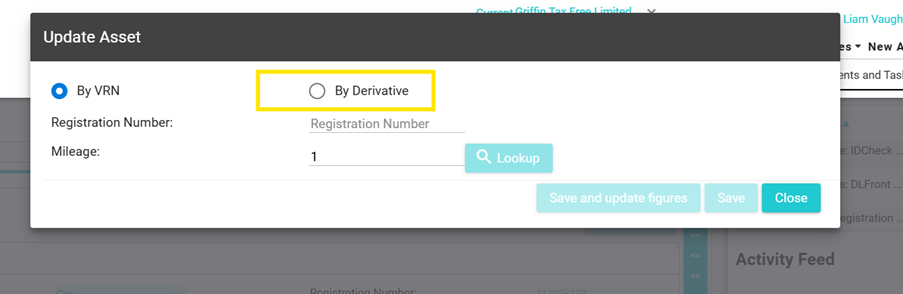
On the Update Asset popup, select the “By Derivative” checkbox.
On the next screen, select the Asset Type, Manufacture, Make, Model and Description from the drop downs.
At the bottom of the popup, you will be able to enter the mileage, registration date, engine size, registration number (if available) & VIN.
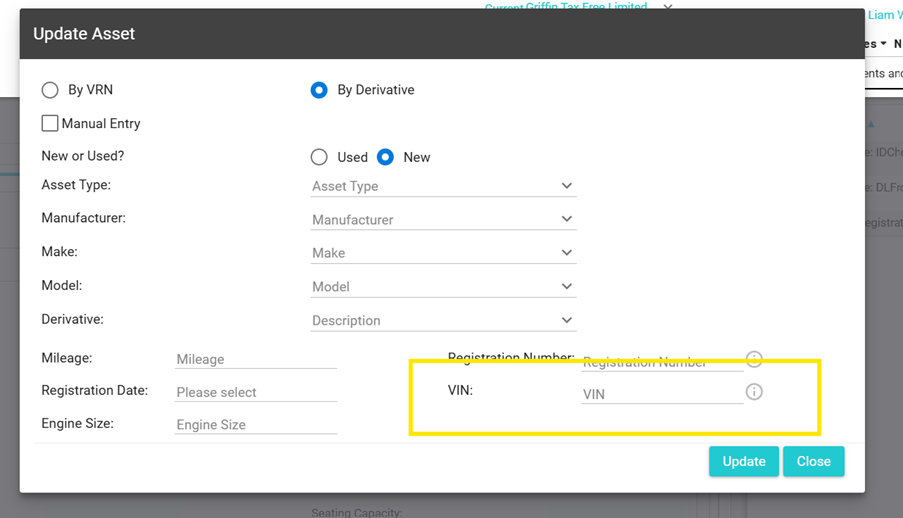
Once completed, click “Update”