How Can We Help?
Adding Notes
If you wish to leave a note on an application, this can be completed via the activity panel:
Click the “+Add Note” button to provide us with this information.
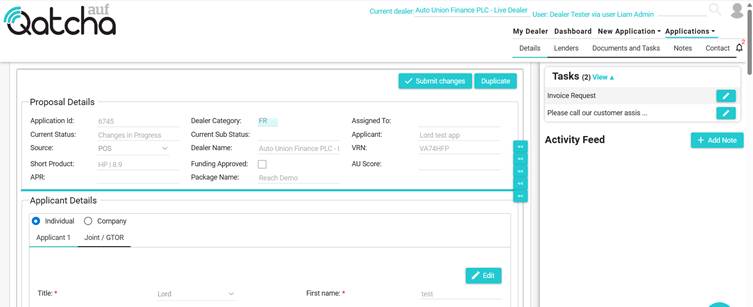
If you are using a mobile / tablet, by default, the activity panel will be hidden, you can either click the bell to show the activity panel or add a note on the Notes tab.
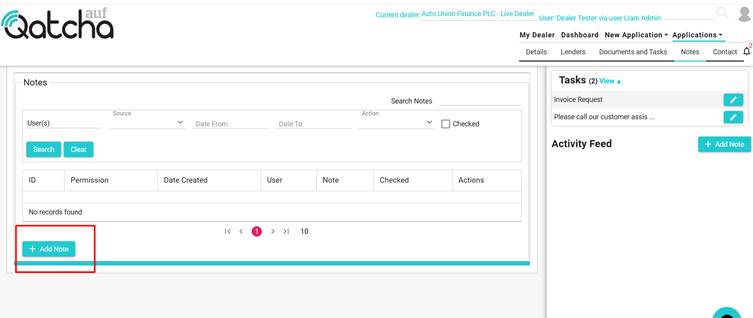
Click on the Notes tab and click “+Add Note”