Review information
Every 12 months, the dealer administrator must review the information we hold on them. This is also a good opportunity to check any users who have access to your account.
14 days before your information is due for a review, an email will be sent to you, and a reminder will appear on the dashboard.
7 days before, another reminder will be sent, with the reminder showing on the dashboard.
When a review is overdue, you will still be able to propose applications to us, but you will not be able to proceed to Payout until the review has been completed.
To complete, on the Dashboard click on “Review Information”
Note if you are unable to access the review, please speak to your dealer administrator who will need to grant permission. (see Manage users article)

The information we hold on your dealership will now show. Review all fields and update any information that might need changing, all mandatory fields will be indicated with a *
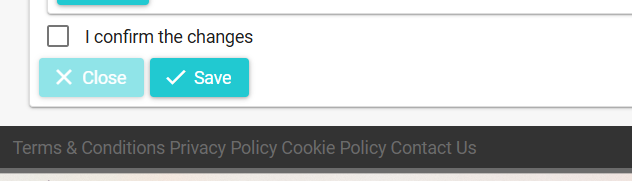
Once you have completed the information, tick the box that states “I confirm the changes” and press Save