
How Can We Help?
Task Type – Invoice – Upload invoice
To upload your own invoice, locate the invoice task, either in the activity panel or the task tab.
Once you are editing the invoice task, simply click the upload button.

Locate the file on your device, and select Open. The file should now be added to the task.
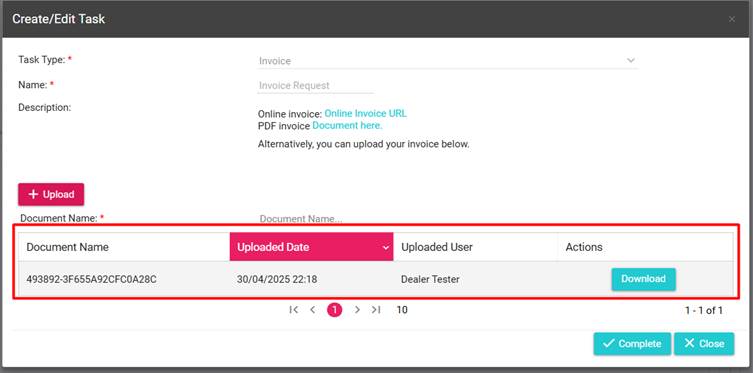
Once you have provided the document, simply hit complete.
