Updating Asset
When viewing an application, you have the ability to update the asset should a change be required.
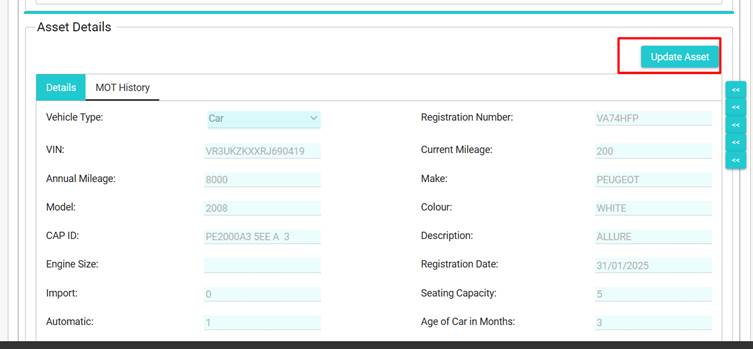
Scroll to the Asset Details, and click Update Asset:
A pop-up will then appear, you can either select by VRN or by Derivative.
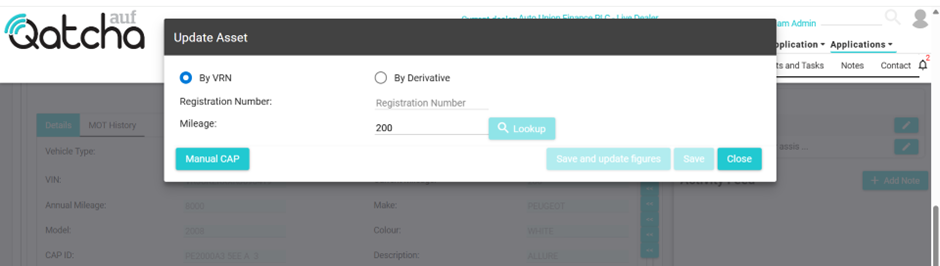
Selecting Derivative will bring up a choice of drop-down menus.
VRN is the quickest and easiest option.
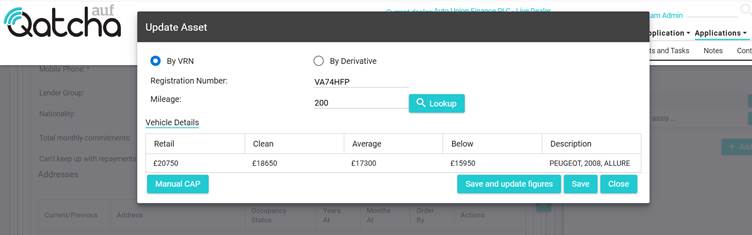
Once you have identified the new asset, you will have two routes.
The first is to save and update figures, which allows you to go directly to the quote section.
If the figures are not changing, you can press save.

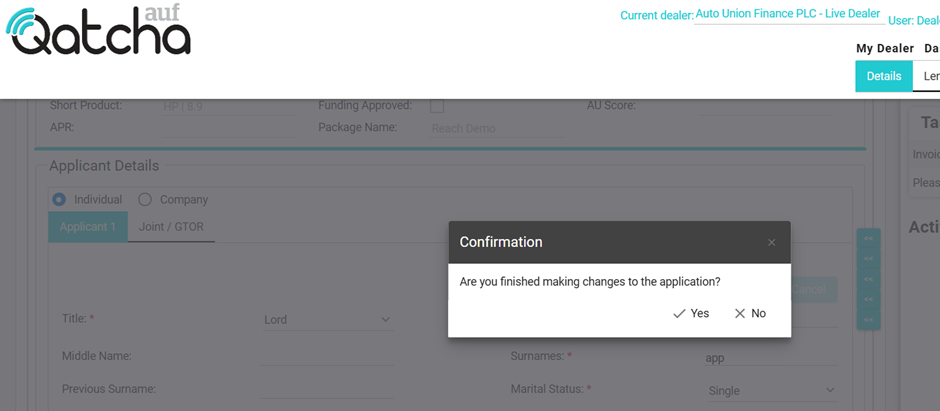
IMPORTANT: If you have finished making all the changes to the application, please click “Yes” if you are required to make further changes, please click no.
Upon clicking yes, the application will be automatically sent the lender(s).