How Can We Help?
Updating Figures
To update figures, navigate to the Asset Quote section and simply click on the edit quote button.
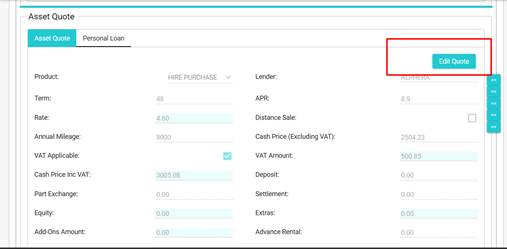
By Default, the activated funder will appear; if there is no active funder, then this will reflect the proposed quotation or funder with the lowest APR.
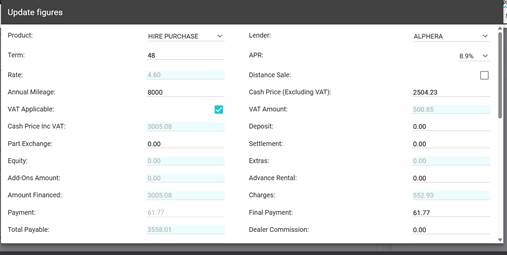
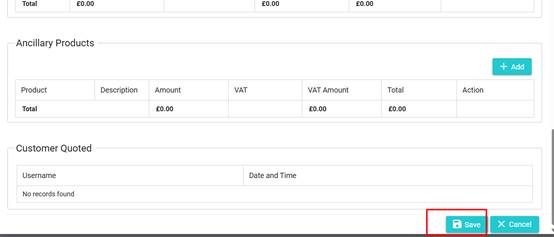
Once you have changed all the figures to reflect the application, simply click on Save
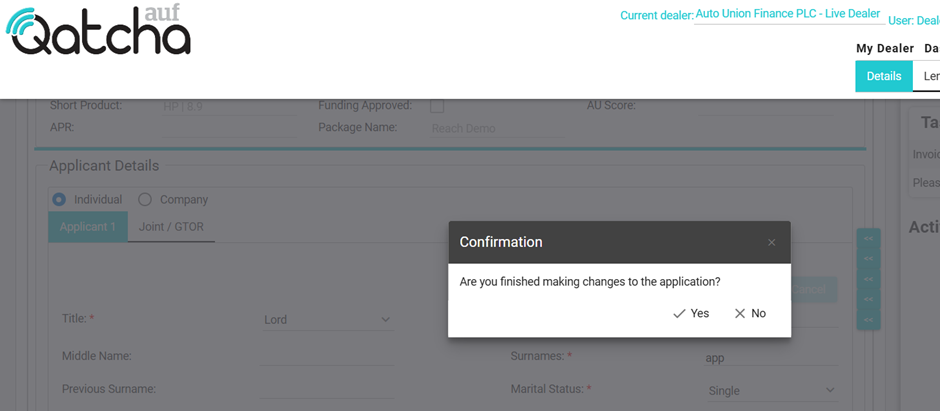
IMPORTANT: If you have finished making all the changes to the application, please click “Yes” if you are required to make further changes, please click No.
Upon clicking yes, the application will be automatically sent the lender(s).