
Creating An Account
Upon receiving your application you will receive an email from AU Finance, if you did not receive this email you can still create your account by going to https://auf.co.uk and clicking on “Customer Portal V2”
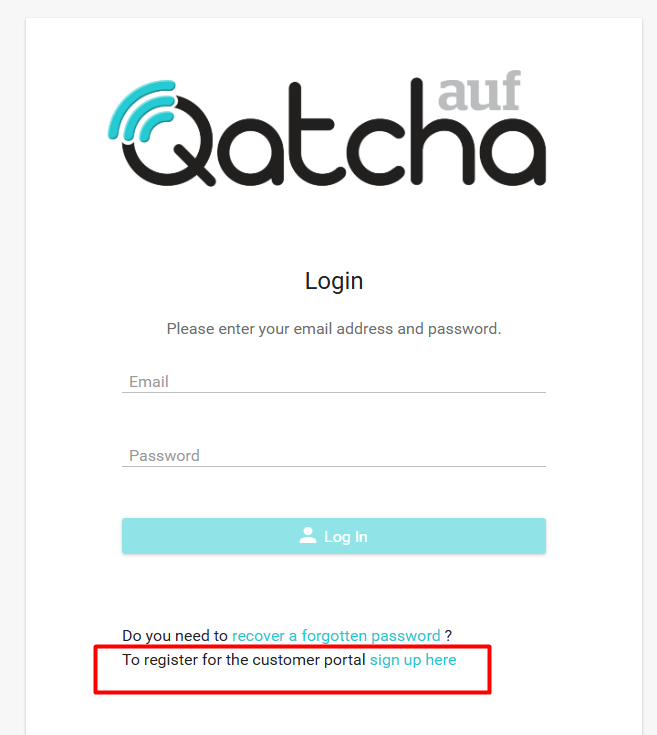
To get started simply click on sign up here.
Important:
When creating your account the details entered must match the details we hold on you.
Failure to do so will result in your account not having access to your finance agreement.
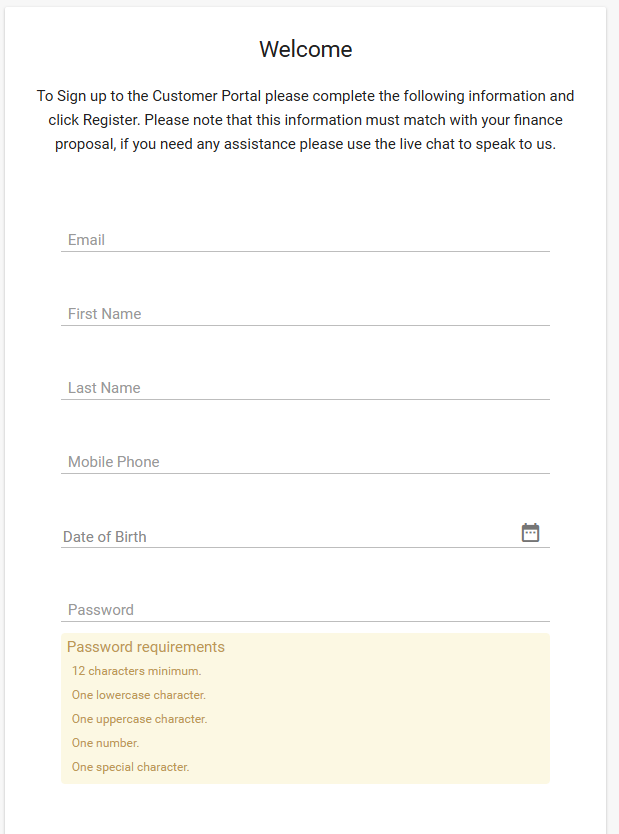
When you have completed all fields, simply click on register.
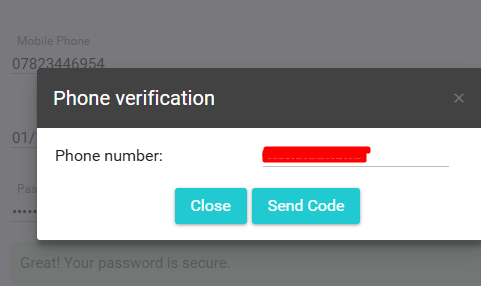
The system will ask you to verify your phone number, and a text message (SMS) containing a numeric code will be sent to the number provided during registration.
Click on “Send Code”
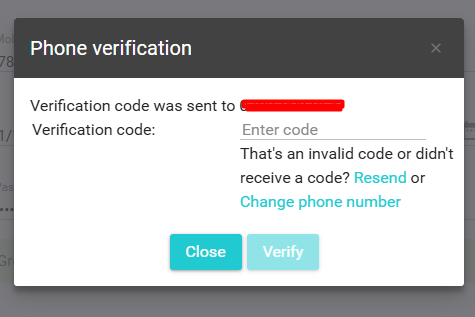
Then enter the code received.
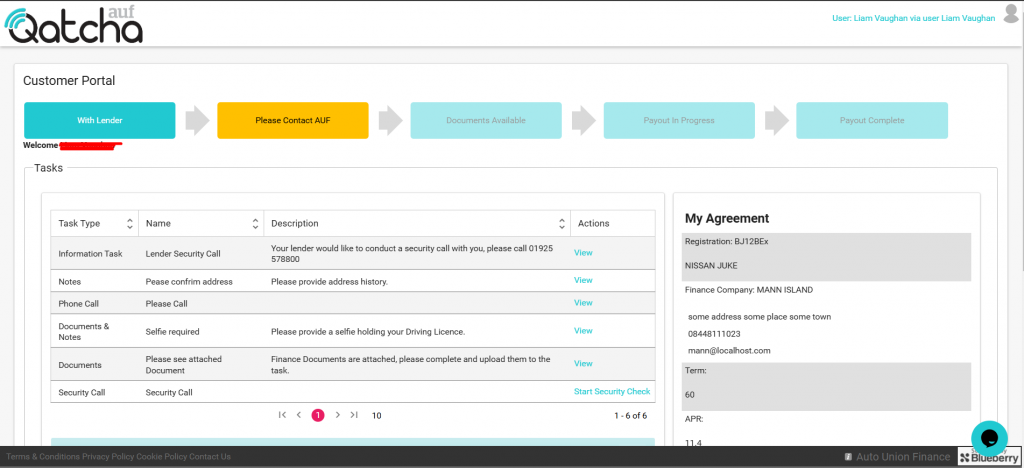
You will then be redirected to the portal.
Need help?
Email: [email protected]
(You must include your Full name, DOB, Mobile number and Postcode)