Looking for help?
How do I reset my password?
If you need to reset your password you can do this using the self-service option.
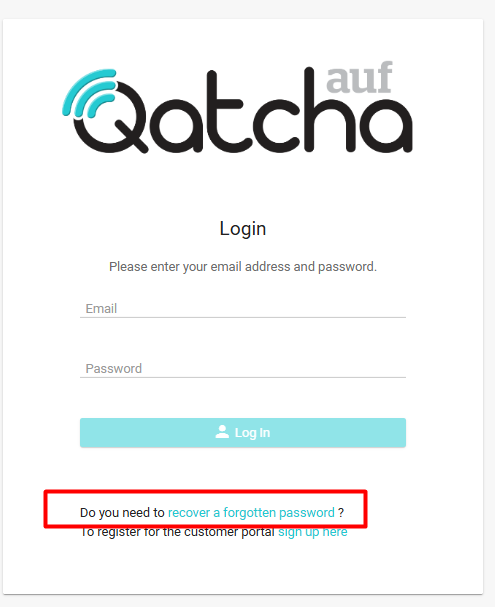
From the login screen, simply click on “Recover a forgotten password”
You will now need to enter your email address. This must match the email you created your account with; otherwise, you will be informed that the account is not registered.
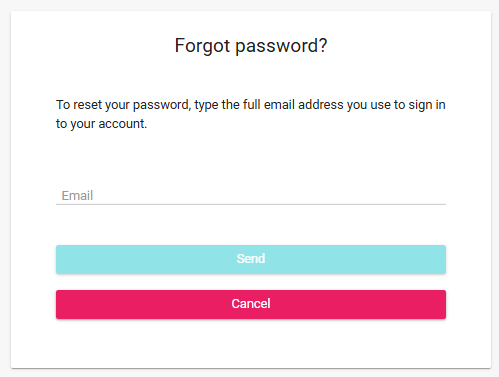
Once you have entered your email, simply click on send.
An email link will be sent to your email account.
Please note, that links expire after 8 hours, if your link has expired please repeat the process.
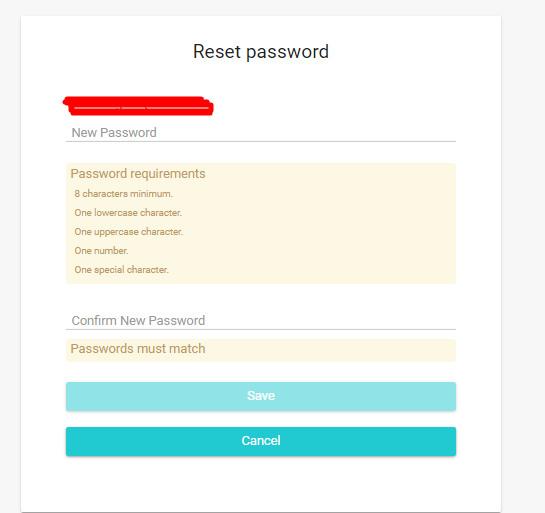
When you have clicked on the link, you will have the ability to reset your password.