Looking for help?
Manage third party consent
Sometimes our customers want to allow others to speak on their behalf, please note that while a third party can manage your application, you will be the only person who can complete the security call.
Add third-party consent.
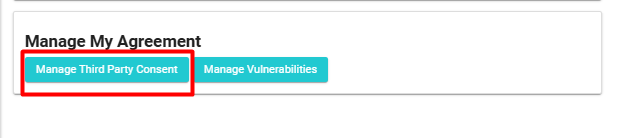
Located down the right side, you will see the manage my agreement section.
Click on Manage Third Party Consent.
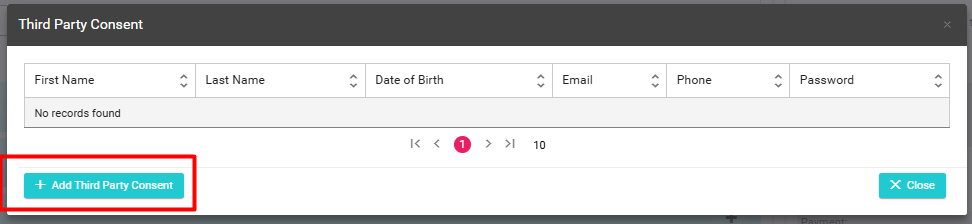
Click on “+ Add Third Party Consent”
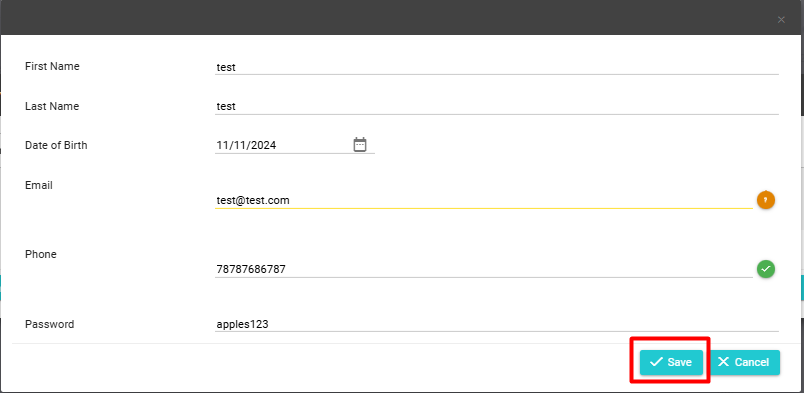
Enter their details, once complete simply click “Save”