
Looking for help?
Task Type: E-Sign
During the application process, you will be asked to electronically sign a number of documents.
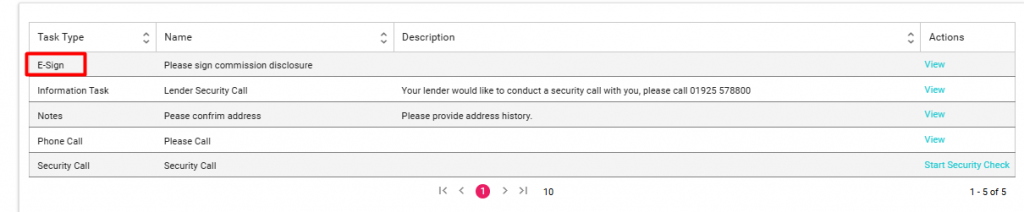
On your task grid, you will see the Task Type “E-Sign”.
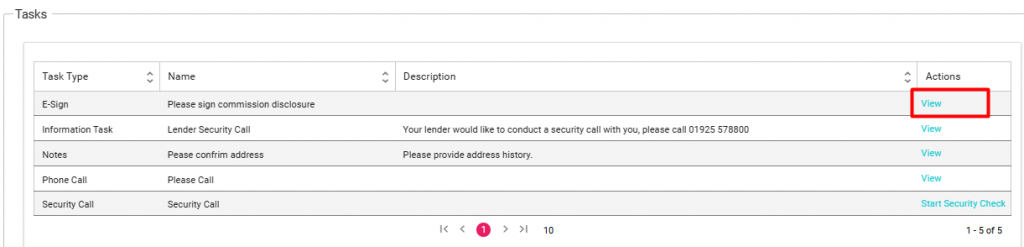
To begin the process, on the actions column select View.
When the task is opened you will see the E-Sign link.
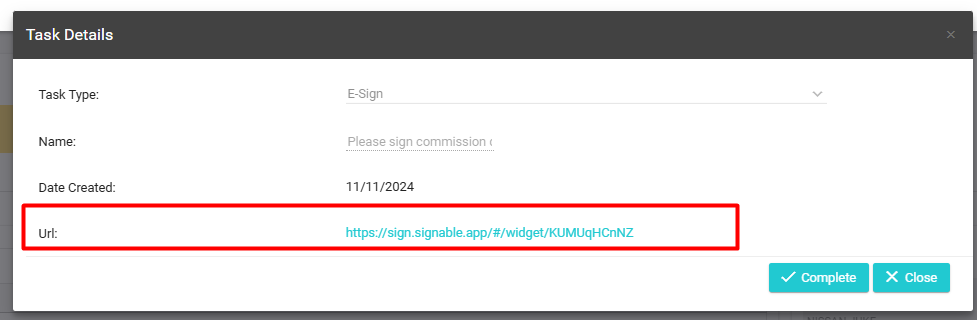
Click on the link: (This will open in a new tab)

Once you have completed the documentation process, simply close the tab and return back to the AU Portal.
The task should still be open, you can revisit the link if needed or alternatively, if you have completed the document simply click on complete.
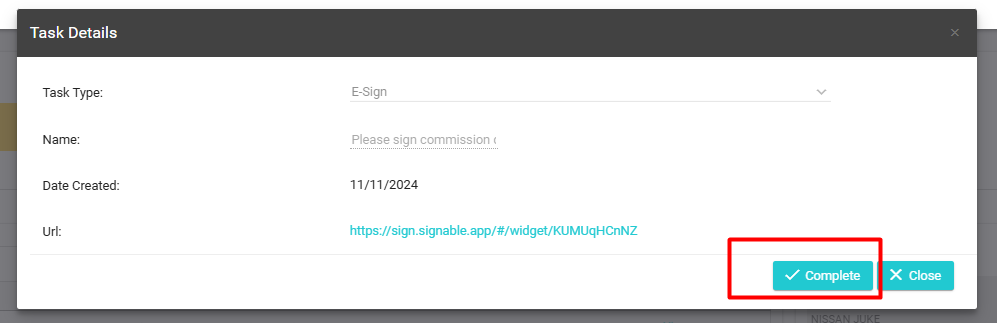
Note: You will not be able to close an E-Sign task type until you have clicked on the URL link located in blue on the task.