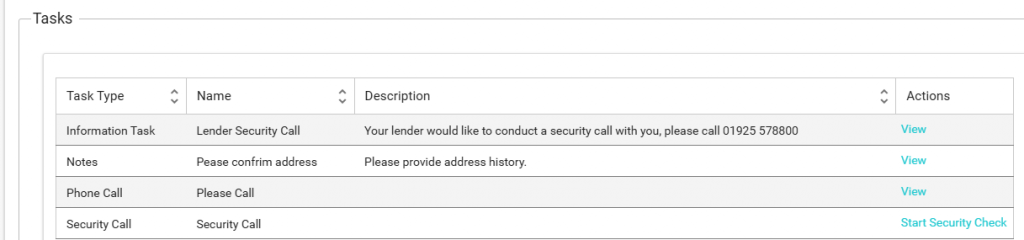
Task Type: Documents and (&) Notes
During the process, it’s likely that we will need documentation from you, and sometimes we might need to send you documents.
When a task is Documents & Notes, we also give you a note box to provide some information to us, although this is optional.
In your task table you will see the task type of Documents & notes:
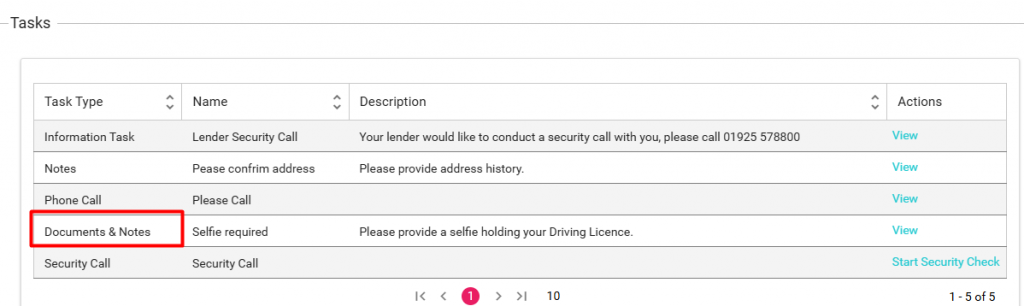
To begin, simply click on “View” located in the actions column.

This will then bring up the task window.

In this example we are being asked to provide a document, please note that the document area is mandatory but notes are optional.
How do I Upload?
To start the upload process simply click on the “+ Upload” button.
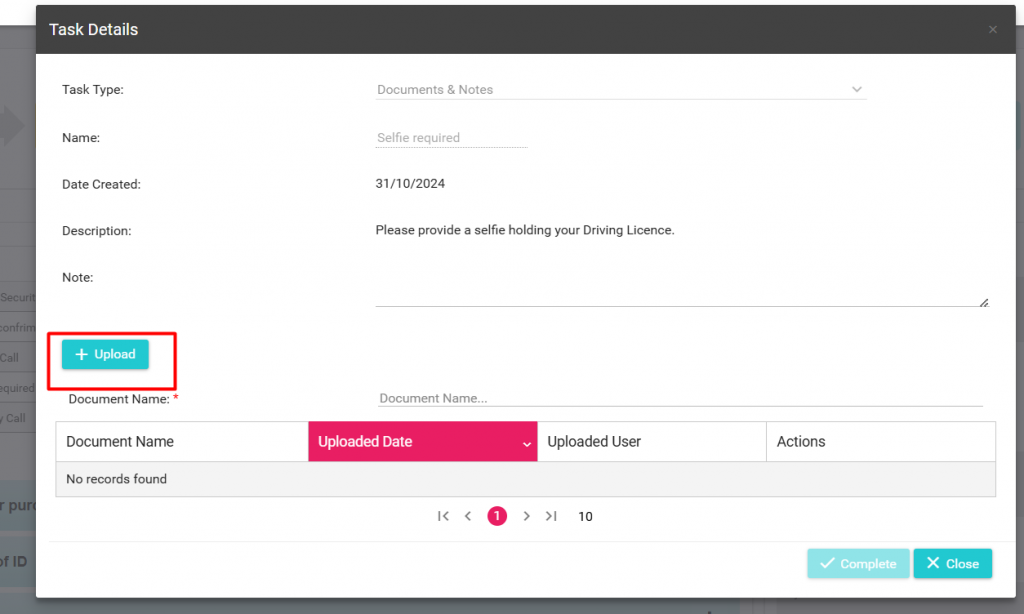
You will then be presented with your files:
Select the file and select open (Please note, that on mobile and other devices the wording could be different)
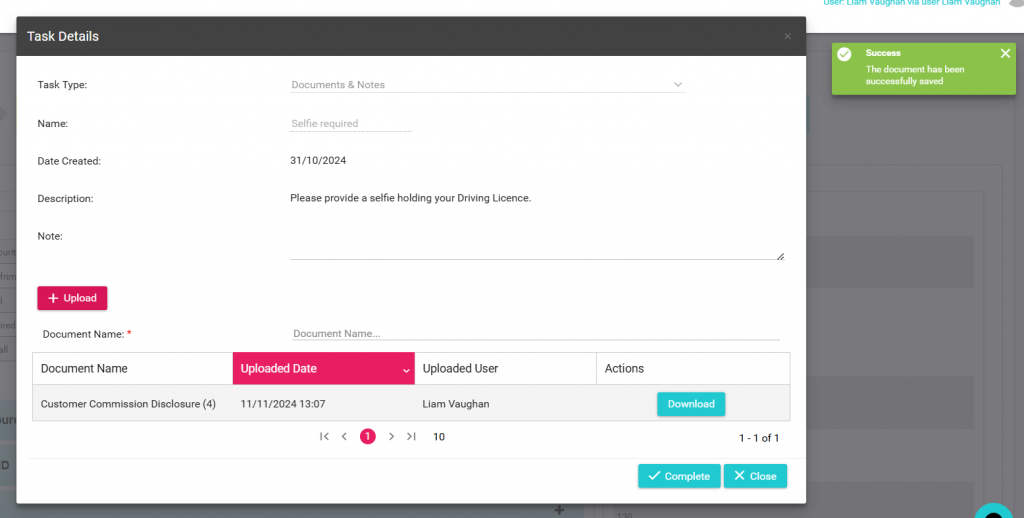
The document will now appear in the document area:
Adding a note – Optional
You might want to provide us with some information on the document uploaded, you can do this using the note section of the task.

Closing the task.
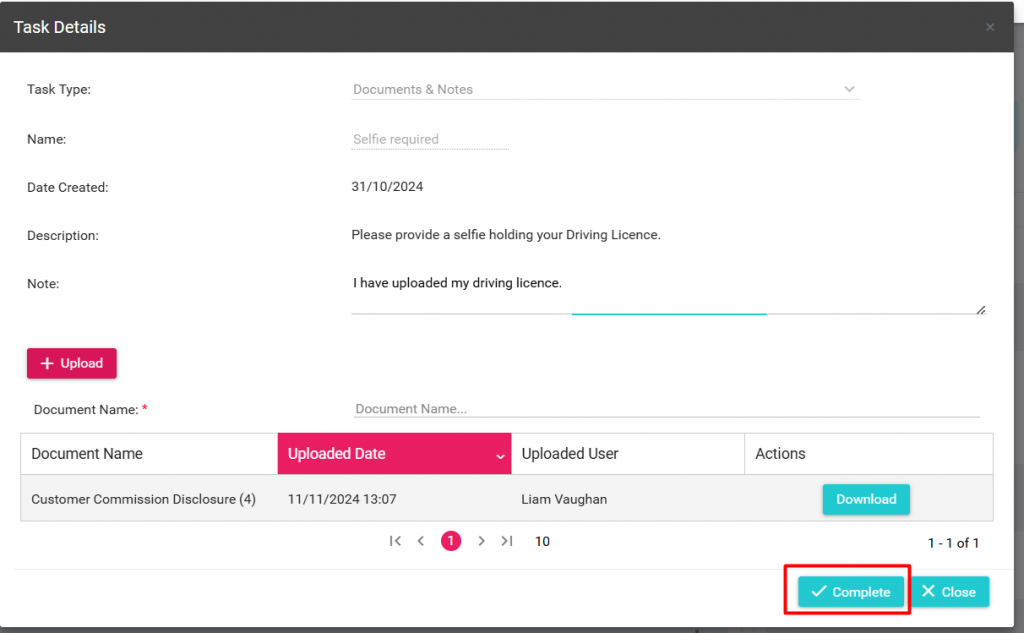
When you have finished uploading documents to AU Finance, you must now close the task.
Simply click on the complete button to do this:
AU Finance will now receive the documentation and resume processing of your application, please note this task will now be hidden from your task list.