
Task Types – Document / Notes
Document and notes task types are commonly used when requesting customer proofs. We request these directly from the customer, who can upload these using the customer portal, which every customer gets invited to as part of our customer journey.
But we also show these to you in case you hold this information already or are in contact with the customer.
To begin, edit the task either by using the Activity Feed or by using the Documents and Tasks tab.
Notes can be added to the second part of the task, while documents can be uploaded using the upload button.
Upon pressing the upload button, simply locate the file on your device, and select open. The file should now be added to the task.
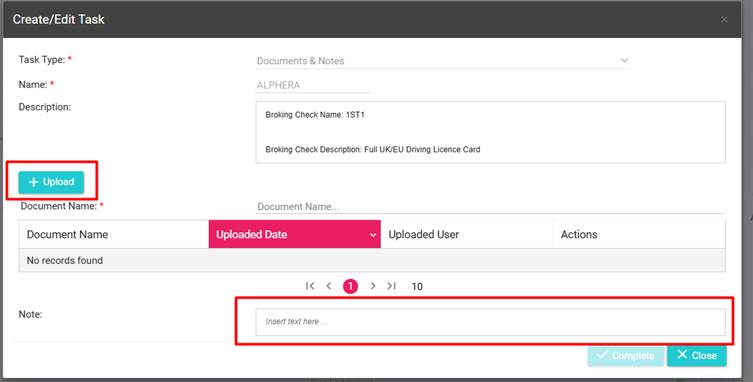
Once you have provided all the information listed in the description box, click “Complete”
