How Can We Help?
Task Type – Documents
A document task type will be used for AU Finance to provide a document to you, or the customer, this could be an offer and warranty, or finance documents.
To complete, edit the task either by using the Activity Feed or by using the Documents and Tasks tab.
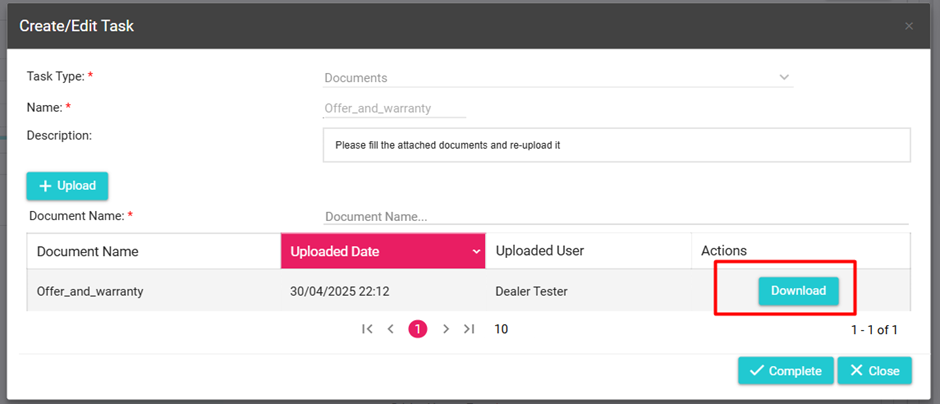
Click download on the document that is being provided:
Once you have completed the document, you will be required to upload this back to AU Finance.
To do this, click the upload button, locate the file on your device, and select open. The file should now be added to the task.
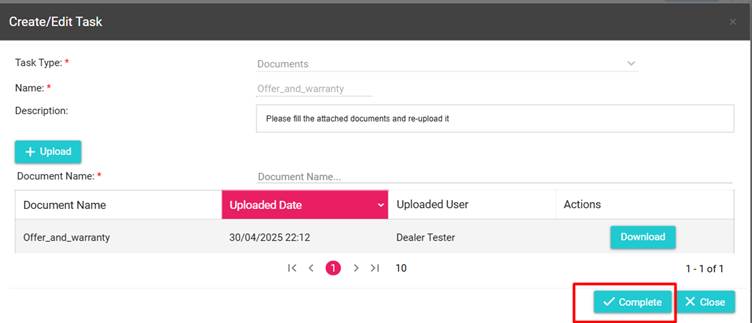
Once you have added all the tasks, click on the “Complete” button to close the task.